
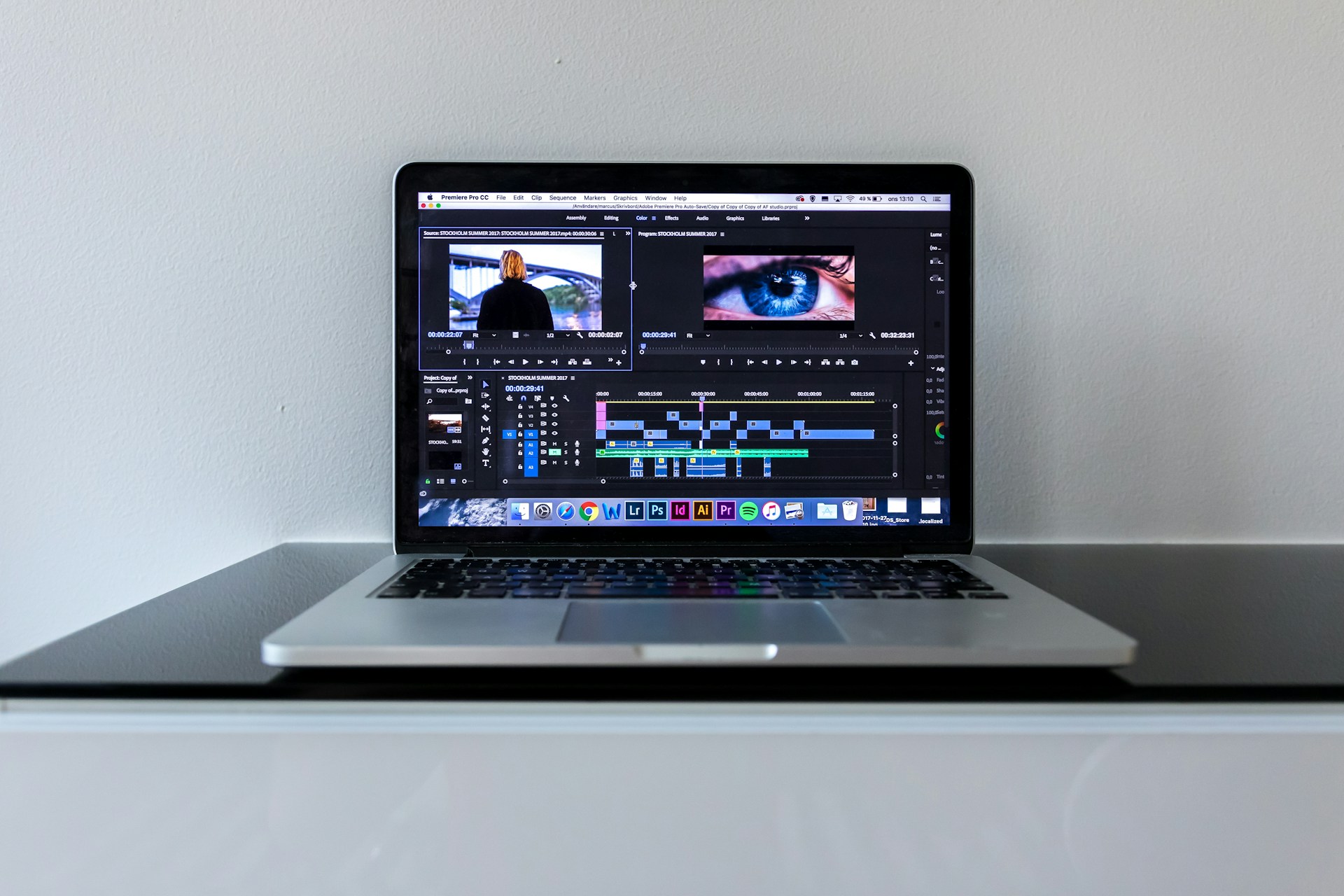
Remember spending an entire afternoon manually transcribing a 10-minute product demo? That frustrating process—typing, rewinding, pausing, typing some more—eats up hours that could go toward actually improving your product. With automatiseret transskription tools now achieving 92.83% benchmark-tested accuracy, there’s a faster way. Modern AI-powered platforms can process that same 10-minute video in under 2 minutes, delivering time-coded subtitles ready for your video editor or direct publishing.
Indholdsfortegnelse
- Det vigtigste at tage med
- Why Your Product Demos Need Subtitles (It’s More Than Just Accessibility)
- The Challenge: Manually Adding Video Subtitles to Product Demos
- Automating Subtitle Generation for Product Demos: The Fast Way
- Beyond Basic: Customizing Your Captioning Videos for Brand Consistency
- Seamless Integration: Exporting Subtitles to Your Video Editing App and Platforms
- Add Captions to Video in Any Language: Expanding Your Product Demo Reach
- Advanced Features for Product Demos: Collaboration and Analytics
- Choosing the Right Tool: Considerations for Fast and Accurate Subtitling
- Why Sonix Makes Product Demo Subtitling Simple
- Ofte stillede spørgsmål
- How quickly can I add subtitles to a product demo using AI?
- What are the benefits of adding multilingual subtitles to product demos?
- Can I customize the look and feel of my subtitles?
- Is it possible to integrate automatically generated subtitles with professional video editing software?
- How does subtitling improve the SEO of my product demo videos?
Det vigtigste at tage med
- Manual subtitle creation takes 4-6 hours per hour of audio—AI transcription cuts this to minutes
- The majority of viewers watch videos with sound off, making subtitles essential for engagement
- Automated tools deliver 80-90% cost savings compared to manual transcription ($10/hour vs. $60-150/hour)
- Direct export to Adobe Premiere Pro, Final Cut Pro, and Avid eliminates manual sync headaches
- Multi-language translation enables product demos to reach global audiences without additional transcription work
- Proper captioning improves SEO while meeting ADA and European Accessibility Act compliance requirements
Why Your Product Demos Need Subtitles (It’s More Than Just Accessibility)
Product demos drive sales, train users, and showcase features—but only if people actually watch them. The reality is that the majority of viewers watch video with sound off, whether they’re scrolling through LinkedIn at work, watching on their commute, or simply preferring to read along.
Subtitles solve multiple business problems simultaneously
- Engagement boost: Videos with captions see higher social media shares than those without
- SEO value: Searchable transcripts make your demo content discoverable through Google
- Accessibility compliance: ADA and Section 508 requirements mandate captions for many businesses
- Comprehension: Technical product features become clearer when viewers can read along
Reaching a Global Audience with Multilingual Subtitles
Your best customers might not speak English as their first language. Translated subtitles transform a single product demo into content that works across markets—without re-recording anything. With 53+ transcription languages and translation capabilities, automated platforms make localization practical even for small marketing teams.
The Challenge: Manually Adding Video Subtitles to Product Demos
Anyone who’s attempted manual transcription knows the pain. You’re constantly pausing, rewinding, and re-listening to catch every word. A 10-minute demo video requires 40-60 minutes of transcription work at minimum—and that’s before you even touch timing or formatting.
The manual process creates several bottlenecks
- Time drain: Professional transcriptionists estimate 4-6 hours of work per hour of audio
- Sync headaches: Matching text to exact video timestamps demands tedious frame-by-frame adjustment
- Human error: Technical product terminology gets misspelled or misheard
- Formatting inconsistency: Different team members create different caption styles
- Multiple speakers: Identifying who’s talking adds another layer of complexity
For production teams releasing weekly demos, this manual approach simply doesn’t scale. The subtitle backlog grows while new videos keep coming.
Automating Subtitle Generation for Product Demos: The Fast Way
AI-powered transcription flips the time equation entirely. Instead of spending hours on a single video, you upload your file and receive accurate, time-stamped text in minutes.
From Demo Video to Searchable Text in Minutes
The automated workflow looks like this:
- Upload your video (2-3 minutes depending on file size)
- Select language and let AI process (under 2 minutes for a 10-minute video)
- Review and edit using synced playback (5-15 minutes)
- Generate subtitles with automatic timing (under 1 minute)
- Customize styling to match your brand (5-10 minutes)
- Export in your preferred format (under 1 minute)
Total time: 15-30 minutes versus 4+ hours manually. That’s a 60-75% time savings that adds up quickly across your video library.
Understanding AI’s Role in Rapid Subtitle Creation
Modern speech recognition has evolved far beyond the clunky voice-to-text tools of a decade ago. Today’s AI models understand context, handle multiple speakers, and maintain accuracy rates exceeding 92% on clear audio.
The technology works by
- Breaking audio into phonetic components
- Matching patterns against massive training datasets
- Applying language models to predict likely word sequences
- Generating word-level timecodes automatically
For product demos with industry-specific terminology, custom dictionaries let you train the system on your company and product names—improving accuracy before the first transcription even runs.
Beyond Basic: Customizing Your Captioning Videos for Brand Consistency
Generic white text on black backgrounds doesn’t cut it for polished product demos. Your subtitles should reflect your brand identity just like any other visual element.
Customization options typically include
- Font selection matching your brand typography
- Color schemes using your brand palette
- Size adjustments for different viewing contexts
- Positioning to avoid covering important UI elements
- Timing tweaks for complex technical explanations
The in-browser editor approach means your team doesn’t need video editing expertise to make these changes. Click, adjust, preview—it’s designed for marketers and product managers, not just post-production specialists.
Med automatiserede undertekster tools, you can establish brand templates once and apply them consistently across your entire demo library.
Seamless Integration: Exporting Subtitles to Your Video Editing App and Platforms
The best subtitle workflow is one that connects directly to your existing tools. Nobody wants to manually import text files and re-sync timing in their video editor.
Integrating Subtitles with Popular Video Editing Tools
Professional platforms support direct export to:
- Adobe Premiere Pro: Native timeline import with preserved timecodes
- Final Cut Pro: XML format maintains perfect sync
- Avid Media Composer: Compatible subtitle formats for broadcast
- DaVinci Resolve: Standard SRT/VTT file import
The key is format flexibility. SRT files work universally, VTT adds styling support for web players, and XML preserves metadata for professional editing suites.
Preparing Demos for Online Publishing with Captions
Different platforms have different caption requirements:
- YouTube: Accepts SRT or VTT, auto-generates from uploaded files
- Vimeo: Supports multiple caption tracks for languages
- LinkedIn: Native caption upload improves engagement
- Your website: Embedded players need WebVTT format for accessibility compliance
Automated transcription platforms typically export to all these formats from a single source, eliminating the need to recreate subtitles for each destination.
Add Captions to Video in Any Language: Expanding Your Product Demo Reach
A product demo that only works in English leaves money on the table. International markets represent massive growth opportunities—but only if prospects can understand your content.
Translating Demos for International Accessibility
The traditional localization workflow involved:
- Transcribe original audio
- Send transcript to translation agency
- Wait days for translated text
- Re-sync translated subtitles to video
- Quality check for timing issues
Med automatiseret oversættelse, this collapses into a single platform experience. Transcribe once, then generate translated subtitle tracks in 54+ languages without leaving the interface.
Leveraging AI for Multilingual Captioning
AI translation has matured significantly for business content. While creative or highly nuanced text still benefits from human review, product demos with clear technical language translate well automatically.
Consider prioritizing languages based on your actual audience data
- Where do your website visitors come from?
- Which markets show high demo engagement but low conversion?
- What languages do your support tickets arrive in?
Starting with 3-5 strategic languages often delivers better ROI than attempting comprehensive localization immediately.
Advanced Features for Product Demos: Collaboration and Analytics
Subtitle creation rarely happens in isolation. Marketing reviews copy, product managers verify technical accuracy, and legal might need to approve certain claims.
Team-oriented platforms support this reality with
- Shared workspaces keeping all demo files organized
- Commenting directly on transcripts for specific feedback
- Edit suggestions that don’t overwrite the original
- Permission controls limiting who can make final changes
- Version history tracking all modifications
Beyond collaboration, AI analysis tools can extract additional value from your demo content. Automatic theme identification, keyword extraction, and summary generation help you understand what topics your demos cover—useful for content planning and SEO optimization.
Teams using samarbejdsfunktioner report reduced back-and-forth emails and faster approval cycles for subtitle content.
Choosing the Right Tool: Considerations for Fast and Accurate Subtitling
Not all transcription platforms deliver equal results. When evaluating options for product demo subtitles, consider:
Nøjagtighed
Look for independently benchmarked accuracy, not just marketing claims. 92%+ accuracy represents the current quality standard for AI transcription.
Processing speed
A 10-minute video should process in under 5 minutes. Anything slower creates workflow bottlenecks.
Integration depth
Does it export directly to your video editor, or require manual file transfers?
Language support
Both transcription languages and translation options matter for global teams.
Security certifications
SOC 2 compliance matters for demos containing proprietary product information.
Pricing transparency
Per-minute billing with clear rates beats confusing subscription tiers with hidden overage charges.
Editor quality
The in-browser editing experience determines how quickly you can review and refine transcripts.
Why Sonix Makes Product Demo Subtitling Simple
When your demo videos needed subtitles yesterday, Sonix delivered the speed and accuracy that professional workflows demand.
The platform processes video files at remarkable speed—that 10-minute product demo gets transcribed in under 2 minutes with 92.83% benchmark-verified accuracy. For technical product content, custom dictionaries ensure your company names, feature terminology, and industry jargon transcribe correctly the first time.
What sets Sonix apart for product teams
- Direct export to professional editors: Push subtitles straight into Adobe Premiere Pro, Final Cut Pro, or Avid without manual import steps
- 53+ language transcription: Create demos in the language your customers speak
- Built-in translation: Convert English transcripts to 54+ languages without switching tools
- SOC 2 Type II-overholdelse: Your proprietary product demos stay sikker with enterprise-grade encryption
- Samarbejde i teamet: Marketing, product, and legal can review and comment in shared workspaces
- Transparent pricing: $10/time pay-as-you-go or $22/user/month plus $5/hour for Premium features
The browser-based editor syncs playback with text, making corrections intuitive for anyone on your team—no video editing expertise required. Upload a demo video, review the transcript while listening, adjust any errors, and export publication-ready subtitles in the format you need.
For teams releasing product demos regularly, Sonix transforms subtitle creation from a dreaded bottleneck into a quick checklist item.
Ofte stillede spørgsmål
How quickly can I add subtitles to a product demo using AI?
A typical 10-minute product demo can be fully subtitled in 15-30 minutes total, including upload, transcription, review, and export. The AI transcription itself takes under 2 minutes—most time goes toward reviewing accuracy and customizing styling. Compare this to 4-6 hours of manual transcription per hour of audio, and the efficiency gain becomes clear.
What are the benefits of adding multilingual subtitles to product demos?
Multilingual subtitles expand your addressable market without re-recording content. They improve conversion rates in non-English markets, enhance SEO for international search queries, and demonstrate commitment to serving global customers. Videos with translated subtitles often see higher engagement in target markets because viewers can fully understand technical product benefits.
Can I customize the look and feel of my subtitles?
Yes—modern transcription platforms offer extensive styling options including font selection, colors, sizing, positioning, and timing adjustments. You can match subtitles to your brand guidelines and create templates for consistent styling across your demo library. This ensures professional presentation without requiring video editing expertise.
Is it possible to integrate automatically generated subtitles with professional video editing software?
Absolutely. Quality transcription platforms export directly to Adobe Premiere Pro, Final Cut Pro, Avid Media Composer, and DaVinci Resolve. Formats like SRT, VTT, and XML preserve timecodes, so subtitles import to your timeline with accurate sync. This eliminates the manual frame-matching that makes subtitle integration so tedious.
How does subtitling improve the SEO of my product demo videos?
Search engines can’t watch videos—but they can read text. Subtitle files and searchable transcripts make your video content indexable, improving discoverability for relevant search queries. Embedding transcripts on video landing pages adds keyword-rich content that boosts page rankings while providing accessibility benefits.”
 Danish
  English
  Spanish
  German
  French
  Russian
  Portuguese
  Dutch
Dutch  Chinese
  Turkish