
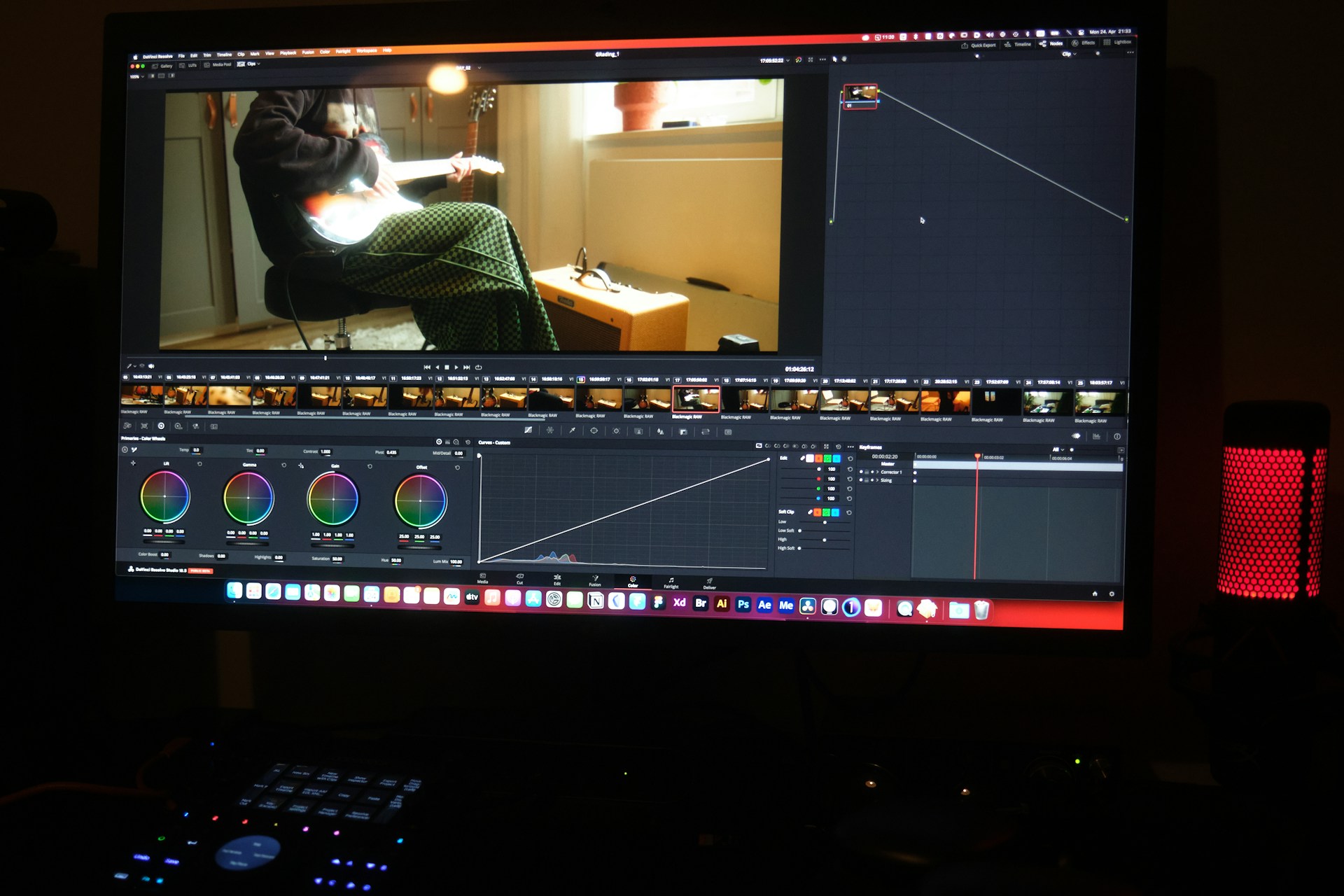
Remember when adding subtitles to a single training video meant hours of painstaking work? You’d watch, pause, type, rewind, adjust timing, and repeat until your eyes glazed over. That workflow doesn’t scale when your L&D team needs to caption 50 compliance videos before next quarter. Modern automated subtitle tools have changed the game entirely—what once took 4-6 hours per video now takes 15-30 minutes, with AI handling the heavy lifting while you focus on fine-tuning. The result? Training content that reaches every learner, meets accessibility requirements, and actually gets watched.
Inhoudsopgave
- Belangrijkste opmerkingen
- Why Your Training Videos Need Subtitles
- Choosing the Right Method to Create Training Video Subtitles
- Getting Started: Preparing Your Training Video for Subtitling
- Automated Subtitle Generation: Your Fastest Path
- Editing and Refining Your Training Video Subtitles for Accuracy
- Customizing Your Subtitle Appearance and Timing
- Exporting and Integrating Subtitles with Your Training Platform
- Beyond Subtitles: Leveraging Transcripts for Enhanced Training
- Why Sonix Helps Training Teams Move Faster
- Veelgestelde vragen
Belangrijkste opmerkingen
- AI-powered subtitle generators achieve 85-95% accuracy and process videos at 1-2x the video length
- Manual transcription costs $3-7 per minute compared to $0.30-0.70 per minute with automated tools—an 80-90% savings
- Videos with captions see significantly higher engagement rates and improved course completion
- Standard export formats (SRT, VTT) work with virtually every LMS and video hosting platform
- ADA compliance requires captions for public-facing training content, with WCAG 2.1 Level AA as the industry standard
- Creating a style template once saves substantial formatting time on subsequent videos
Why Your Training Videos Need Subtitles
Accessibility Is No Longer Optional
Beyond the moral imperative, legal requirements make captioning mandatory for many organizations. ADA Title II requires public institutions to provide captions, while Section 508 applies to federal contractors. The 21st Century Communications and Video Accessibility Act extends these requirements further. Non-compliance risks lawsuits, but more importantly, you’re excluding employees who need accommodations to do their jobs.
Engagement Numbers Don’t Lie
The data makes a compelling business case:
- A majority of social media videos are watched without sound
- Captioned videos see significantly higher engagement than uncaptioned content
- Training completion rates improve when captions are available
- Learners retain information better when reading and listening simultaneously
Diverse Learners Benefit Differently
Subtitles serve more people than you might expect:
- Non-native speakers who follow along more easily with text
- Employees in open offices watching during lunch without headphones
- Auditory processing differences affecting comprehension
- Remote workers in noisy home environments
- Mobile learners on commutes where audio isn’t practical
Choosing the Right Method to Create Training Video Subtitles
Manual Transcription: When Precision Matters Most
Manual transcription still has its place—highly technical content with specialized terminology, legal depositions requiring verbatim accuracy, or situations where human judgment catches nuances AI misses. The tradeoffs are significant though: expect to pay $3-7 per minute with turnaround times measured in days, not hours.
Automated Transcription: Speed Meets Scale
AI-powered tools have reached a tipping point where accuracy rivals human transcribers for most content. Modern platforms achieve 85-95% accuracy out of the box, with the final percentage depending largely on your audio quality. The math works clearly in automation’s favor:
Factor, Manual Service, AI Platform
- Cost per minute – $3-7 for manual service and $0.30-0.70 for AI platform
- Turnaround – 3-5 days for manual service and minutes for AI platform
- Scalability – Limited for manual service and unlimited for AI platform
- Edit control – After delivery for manual service and real-time for AI platform
For training teams producing regular content, geautomatiseerde transcriptie eliminates the bottleneck entirely.
Getting Started: Preparing Your Training Video for Subtitling
Audio quality determines subtitle accuracy more than any other factor. Before uploading your first video, run through this preparation checklist:
Audio Optimization
- Record in quiet environments—background noise drops accuracy significantly
- Use external microphones rather than built-in laptop mics
- Maintain consistent distance from the microphone
- Avoid crosstalk when multiple speakers are present
File Preparation
- Standard formats work best: MP4, MOV, AVI, MKV
- Compress oversized files to speed upload times
- Check that audio and video are properly synced before uploading
- Name files descriptively for easier organization
Content Considerations
- Speak clearly and at a measured pace
- Spell out acronyms the first time they appear
- Provide context for industry jargon the AI might misinterpret
Automated Subtitle Generation: Your Fastest Path
The actual process of generating subtitles has become remarkably simple. Most platforms follow a similar workflow that takes minutes, not hours.
Step 1: Upload Your Video (3-5 minutes)
Create an account, click upload, and either drag your file or paste a URL from YouTube, Vimeo, or cloud storage. Most platforms accept files from Google Drive, Dropbox, and direct Zoom recording imports.
Step 2: Select Language and Generate (1-3 minutes)
Choose the spoken language—platforms typically support 40 to 125+ languages depending on the provider. Click generate and wait while AI processes your audio. A 10-minute video typically processes in 5-10 minutes.
Step 3: Review the Draft Transcript
Your subtitles appear synced to the video timeline. Play through to spot obvious errors, paying special attention to:
- Proper nouns and company names
- Technical terminology
- Speaker identification accuracy
- Timestamp alignment
Editing and Refining Your Training Video Subtitles for Accuracy
Even the best AI needs human review. Budget 10-15 minutes per video for refinement—a small investment that ensures professional results.
Using the Browser-Based Editor
Quality platforms provide editors that sync text directly to audio playback. Click any word to edit while hearing the corresponding audio. Key features to use:
- Word-level timecodes for precise synchronization
- Speaker labeling to distinguish between presenters
- Zoeken en vervangen for bulk corrections (fixing a misspelled product name across the entire transcript)
- Confidence highlighting showing words the AI was uncertain about
Common Corrections to Watch For
- Homophones: “their/there/they’re” errors
- Technical terms: AI often phonetically approximates unfamiliar words
- Interpunctie: Run-on sentences need manual breaks
- Filler words: Decide whether to keep “um” and “uh” or remove them
Creating a aangepast woordenboek with your organization’s terminology dramatically improves accuracy on future uploads.
Customizing Your Subtitle Appearance and Timing
Visual presentation affects readability as much as accuracy. Most platforms offer styling options that should align with your brand guidelines.
Style Elements to Configure
- Font choice: Sans-serif fonts like Arial read best on video
- Text size: Large enough to read on mobile devices
- Colors: High contrast between text and background (aim for 4.5:1 ratio for WCAG compliance)
- Position: Bottom-center is standard; adjust if graphics appear there
- Background: Semi-transparent boxes improve readability over busy visuals
Timing Best Practices
Subtitle timing directly impacts comprehension. Follow these e-learning best practices:
- Maximum 2 lines per subtitle
- 42 characters per line maximum
- 1-6 seconds display duration
- Align subtitle changes with natural speech pauses
- Don’t split sentences awkwardly between frames
Save your styling as a template. What takes 15 minutes the first time takes 2 minutes when you’re simply applying saved settings.
Exporting and Integrating Subtitles with Your Training Platform
The final step is getting subtitles onto whatever platform hosts your training content. Format choice matters here.
Understanding Export Formats
SRT (SubRip ondertiteling): The universal standard. Works with virtually every video player, LMS, YouTube, Vimeo, and social platforms. Choose this when in doubt.
VTT (WebVTT): HTML5-native format with slightly more styling options. Preferred for web-based players and some modern LMS platforms.
Burned-in/Hardcoded: Subtitles rendered permanently into the video file. Use for social media where viewers can’t toggle captions, or when you need guaranteed visibility.
Platform-Specific Integration
Different destinations have different requirements:
- YouTube/Vimeo: Upload SRT files directly in the caption manager
- Articulate/Storyline: Import VTT files through the caption feature
- Cornerstone/Workday: SRT files integrate through video settings
- Social media: Burned-in subtitles ensure visibility since platform auto-captions are unreliable
Veel transcription platforms export directly to these destinations, eliminating file handling entirely.
Beyond Subtitles: Leveraging Transcripts for Enhanced Training
Once you’ve generated subtitles, you’ve also created a searchable text asset with additional uses.
Repurposing Transcript Content
- Study guides: Convert key sections into PDF handouts
- Knowledge bases: Make training content searchable by keyword
- SEO optimization: Publish transcripts alongside videos for discoverability
- Translations: Generate subtitles in additional languages for global teams
- Assessment creation: Pull key points for quiz questions
AI-gestuurde inzichten
Advanced platforms go beyond transcription to extract meaning from content. Features like geautomatiseerde overzichten and theme extraction help identify key topics across video libraries—useful when auditing training content or creating curricula.
Why Sonix Helps Training Teams Move Faster
For organizations serious about scaling video content, Sonix delivers the specific capabilities training teams need without the complexity of enterprise video production tools.
What makes it particularly useful for training content
- Hoge nauwkeurigheid reduces editing time compared to basic transcription platforms
- 40+ language support covers global workforce needs with translation built in
- Browser-based editor with word-level timecodes eliminates software installs
- Conformiteit met SOC 2 Type II satisfies IT security requirements for sensitive training content
- Multi-user workspaces let teams collaborate on review and approval
- Integrations with Zoom and Google Drive streamline upload workflows
The pricing structure—starting at $10/hour with no monthly minimums—means you pay only for what you use. For teams producing 10-20 training videos monthly, the math typically works out to under $100/month while saving dozens of hours in manual work.
Veelgestelde vragen
What’s the difference between captions and subtitles?
Technically, captions include non-speech audio (sound effects, music cues) and are designed for deaf or hard-of-hearing viewers, while subtitles assume viewers can hear and focus only on dialogue. In practice, most platforms use the terms interchangeably. For training videos, aim for closed captions that include all meaningful audio—a door closing or phone ringing might be relevant context.
Can automatically generated subtitles be 100% accurate?
No AI achieves perfect accuracy—real-world results range from 85-95% depending on audio quality and content complexity. Plan for human review regardless of platform claims. The goal is reducing manual work, not eliminating it entirely. Most training teams find that 10-15 minutes of editing produces professional results.
How long does it take to add subtitles to a 30-minute training video?
With automated tools, expect roughly 30-45 minutes total: 5 minutes for upload, 15-20 minutes for AI processing, and 10-15 minutes for review and editing. Compare that to 2-3 hours for manual transcription of the same content. The time savings compound quickly when you’re processing multiple videos.
Do subtitles really improve learning in training videos?
Research consistently shows improved completion rates and comprehension for captioned content. Learners can follow along at their own pace, review specific sections by scanning text, and maintain focus in distracting environments. For compliance training where completion matters for audit purposes, captions are a low-effort way to boost engagement.
Can I translate my training video subtitles into other languages?
Yes—once you have an accurate transcript, translation becomes straightforward. Many platforms offer geautomatiseerde vertaling into dozens of languages, though quality varies by language pair. For critical content, have native speakers review translations. The cost is typically a fraction of producing separate video versions for each market.”
 Dutch
Dutch  English
  Spanish
  German
  French
  Russian
  Portuguese
  Chinese
  Turkish
  Danish