










Thousands of Sonix customers convert their Polish MP2 files to text 
What's the best way to convert Polish MP2 files to text? 
Use Sonix to convert Polish MP2 files to text
Follow these six easy steps to quickly and easily convert your Polish MP2 files to text:
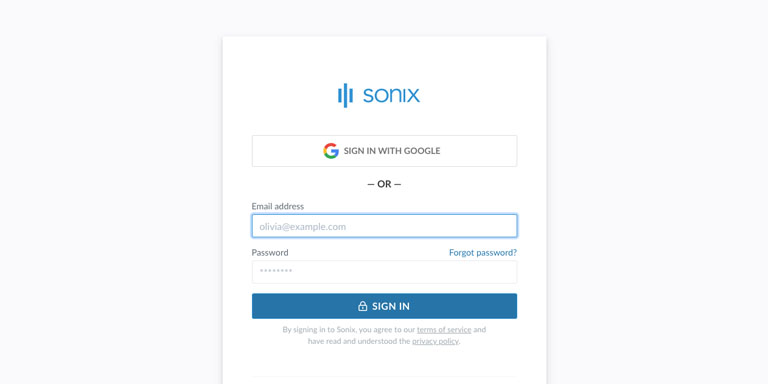
Step 1: Log into your Sonix account
If you don't have one, you can sign up for Sonix's free account—30 minutes of free transcription/translation.

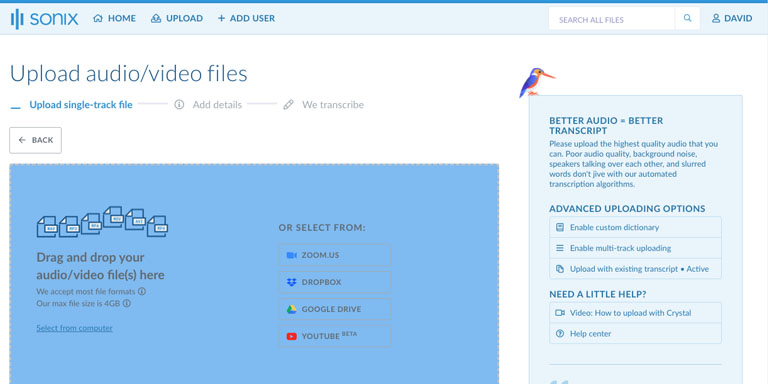
Step 2: Upload your Polish MP2 file
In Sonix, click “Upload” and locate the Polish MP2 file on your computer.

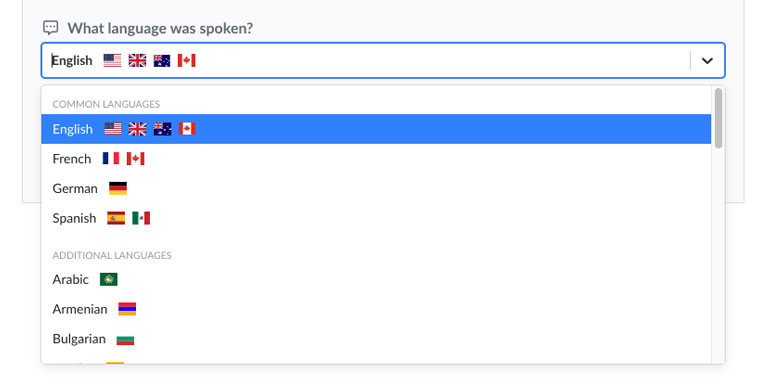
Step 3: Choose language: Polish
Select Polish in the dropdown that asks 'What language was spoken?.' Then, click the “Transcribe” button.

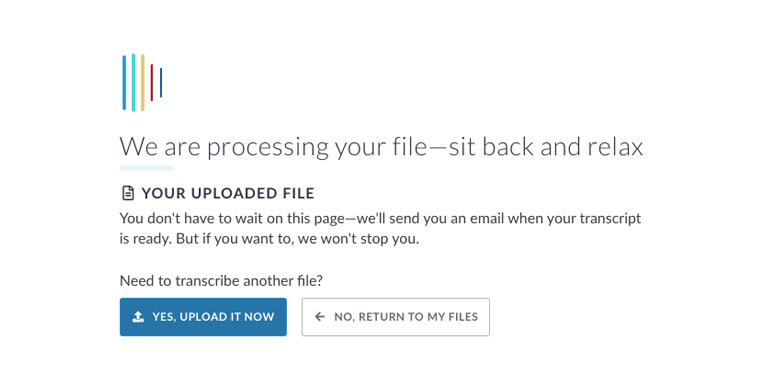
Step 4: Sonix transcribes your MP2 file
Sonix automatically transcribes your Polish MP2 file and converts it to Polish text.

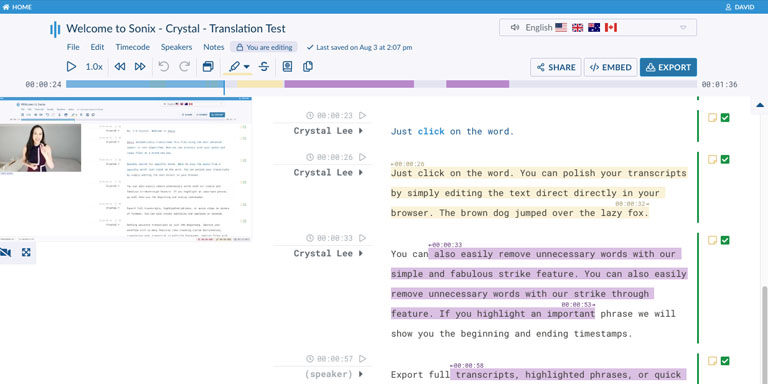
Step 5: Polish your Polish transcript
Edit your Polish transcript by typing directly into your browser to correct any words that were not transcribed perfectly.

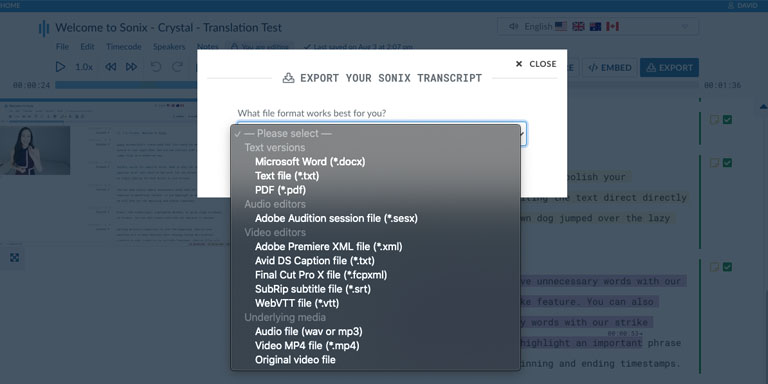
Step 6: Export Polish text
Export the Polish text to any format you want including MS Word, PDF, subtitles, or a simple text file.

All done! You have now successfully converted your Polish MP2 file to text!
How to improve the accuracy of your Polish transcripts?
Start by improving the quality of the Polish MP2 file that you upload to Sonix. Please use high quality recording equipment, recording in a quiet environment, and ensure that your speakers are speaking clearly to ensure that your transcript is as accurate as possible.

Any advice for the Polish MP2 file that I upload?
Yes, please do not over-compress or over-filter the audio track of your Polish MP2 file. By uploading a high quality version of your audio, we can give you the best level of accuracy.
Aside from MP2, do you support other types of audio/video files?
Yes, we do! You can convert the following file types in Polish with Sonix:
What customers say about Sonix's automated transcription 
I had been using Dragon voice recognition software, but Sonix eliminates that step all together. I absolutely love Sonix.
Was using another software before, but their prices went up. Your prices are better and the transcription seems more accurate. I also like that you automatically take out all of the filler words - um, you know, etc.
The entire process is extremely straightforward and what I liked most was the accuracy of the transcriptions and translations. I must say, I had some doubts as to what the quality would be like since it was in French, but I was not disappointed in the least.
I'm very impressed about the accuracy. The transcript needs a little editing, but just minor correction. I think the interface is straightforward and user-friendly. I also like the audio-transcript matching playback functionality. I've been very deterred to use recording during my interviews because it takes a tremendous amount of time to transcribe.
I love Sonix. It's accurate, intuitive, friendly and simple to use for the technically inept like me! I typically use it for English but we used it this time in French and it was great too.
I loovvvve that the audio is transcribed so quickly.
Want to see more testimonials?
We have a lot more customer testimonials
Convert Polish MP2 files to text with Sonix 
Sonix automatically transcribes and translates your audio/video files in 53+ languages. Easily search, edit, and share your media files. Sonix uses advanced transcription and translation algorithms to convert your Polish MP2 files to text both fast and accurate. Fast, accurate, and affordable. Millions of users from all over the world.
Includes 30 minutes of free transcription


