










Thousands of Sonix customers convert their Bashkir AVI files to text 
What's the best way to convert Bashkir AVI files to text? 
Use Sonix to convert Bashkir AVI files to text
Follow these six easy steps to quickly and easily convert your Bashkir AVI files to text:
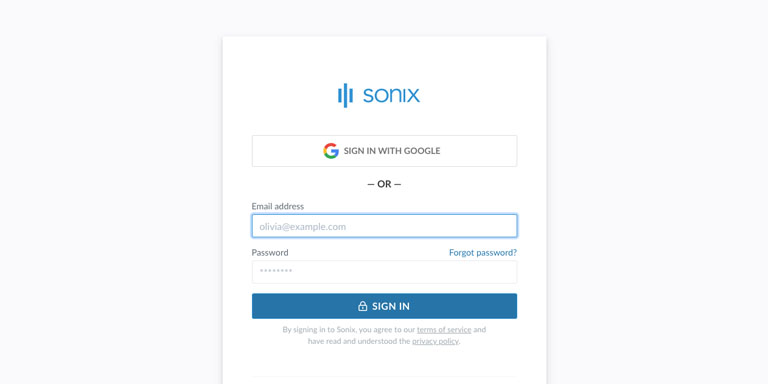
Step 1: Log into your Sonix account
If you don't have one, you can sign up for Sonix's free account—30 minutes of free transcription/translation.

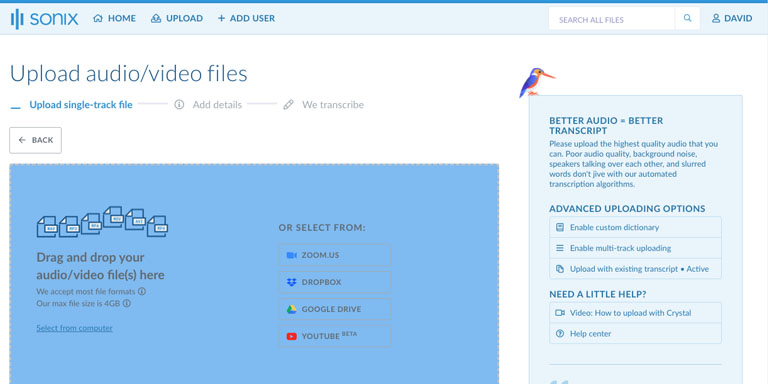
Step 2: Upload your Bashkir AVI file
In Sonix, click “Upload” and locate the Bashkir AVI file on your computer.

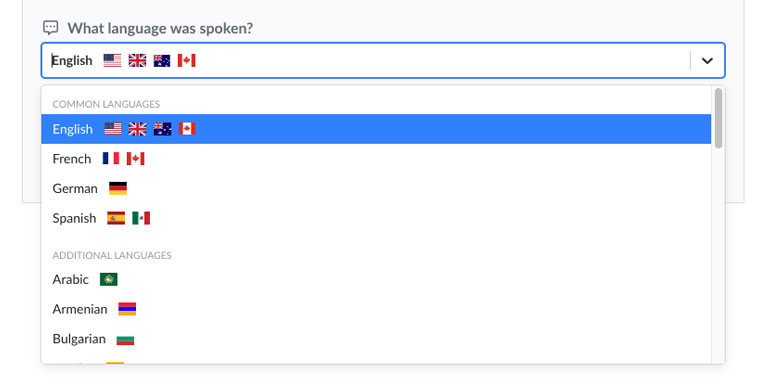
Step 3: Choose language: Bashkir
Select Bashkir in the dropdown that asks 'What language was spoken?.' Then, click the “Transcribe” button.

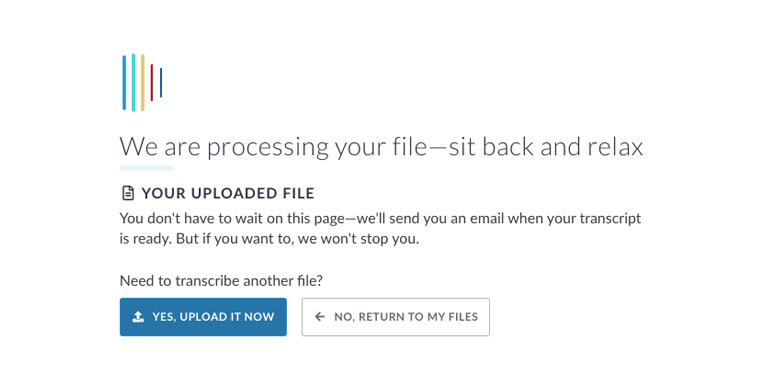
Step 4: Sonix transcribes your AVI file
Sonix automatically transcribes your Bashkir AVI file and converts it to Bashkir text.

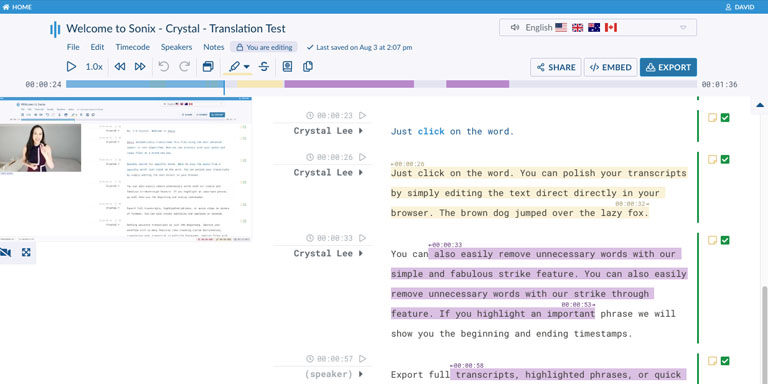
Step 5: Polish your Bashkir transcript
Edit your Bashkir transcript by typing directly into your browser to correct any words that were not transcribed perfectly.

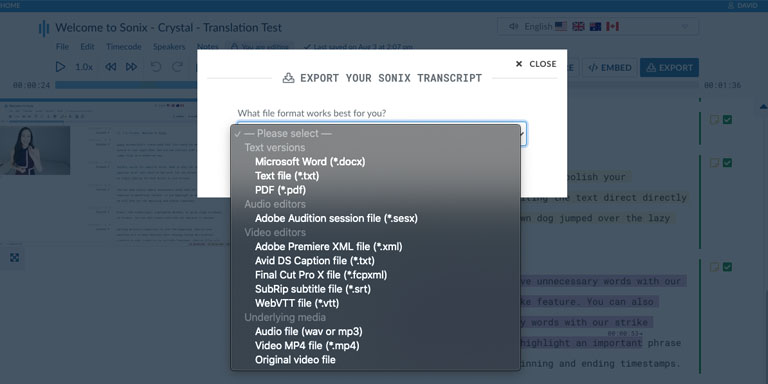
Step 6: Export Bashkir text
Export the Bashkir text to any format you want including MS Word, PDF, subtitles, or a simple text file.

All done! You have now successfully converted your Bashkir AVI file to text!
How to improve the accuracy of your Bashkir transcripts?
Start by improving the quality of the Bashkir AVI file that you upload to Sonix. Please use high quality recording equipment, recording in a quiet environment, and ensure that your speakers are speaking clearly to ensure that your transcript is as accurate as possible.

Any advice for the Bashkir AVI file that I upload?
Yes, please do not over-compress or over-filter the audio track of your Bashkir AVI file. By uploading a high quality version of your audio, we can give you the best level of accuracy.
Aside from AVI, do you support other types of audio/video files?
Yes, we do! You can convert the following file types in Bashkir with Sonix:
What customers say about Sonix's automated transcription 
Sonix has made my life so much easier. It's a complete tool for me to transcript all of our podcasts and I love it.
I love how easy it is – it saves me so much time transcribing – I can just pull out the main points of interest from the transcription.
The level of accuracy and your UI is quite amazing. It allowed me to try the product without having to learn anything new, I was so happy about it I sent the results to a couple of friends because I knew at the moment that this could change the way I work.
I ran through your software and it is fantastic! For what we need it's a game-changer.
After trying a number of MP3 transcribers, I am most impressed with Sonix! It was easy to use and was much more accurate than any of the others that I tried.
The recording I transcribed was poor quality at best, so I was pleasantly surprised by how accurately Sonix captured the text. And your editor is absolutely brilliant!
Want to see more testimonials?
We have a lot more customer testimonials
Convert Bashkir AVI files to text with Sonix 
Sonix automatically transcribes and translates your audio/video files in 53+ languages. Easily search, edit, and share your media files. Sonix uses advanced transcription and translation algorithms to convert your Bashkir AVI files to text both fast and accurate. Fast, accurate, and affordable. Millions of users from all over the world.
Includes 30 minutes of free transcription


